
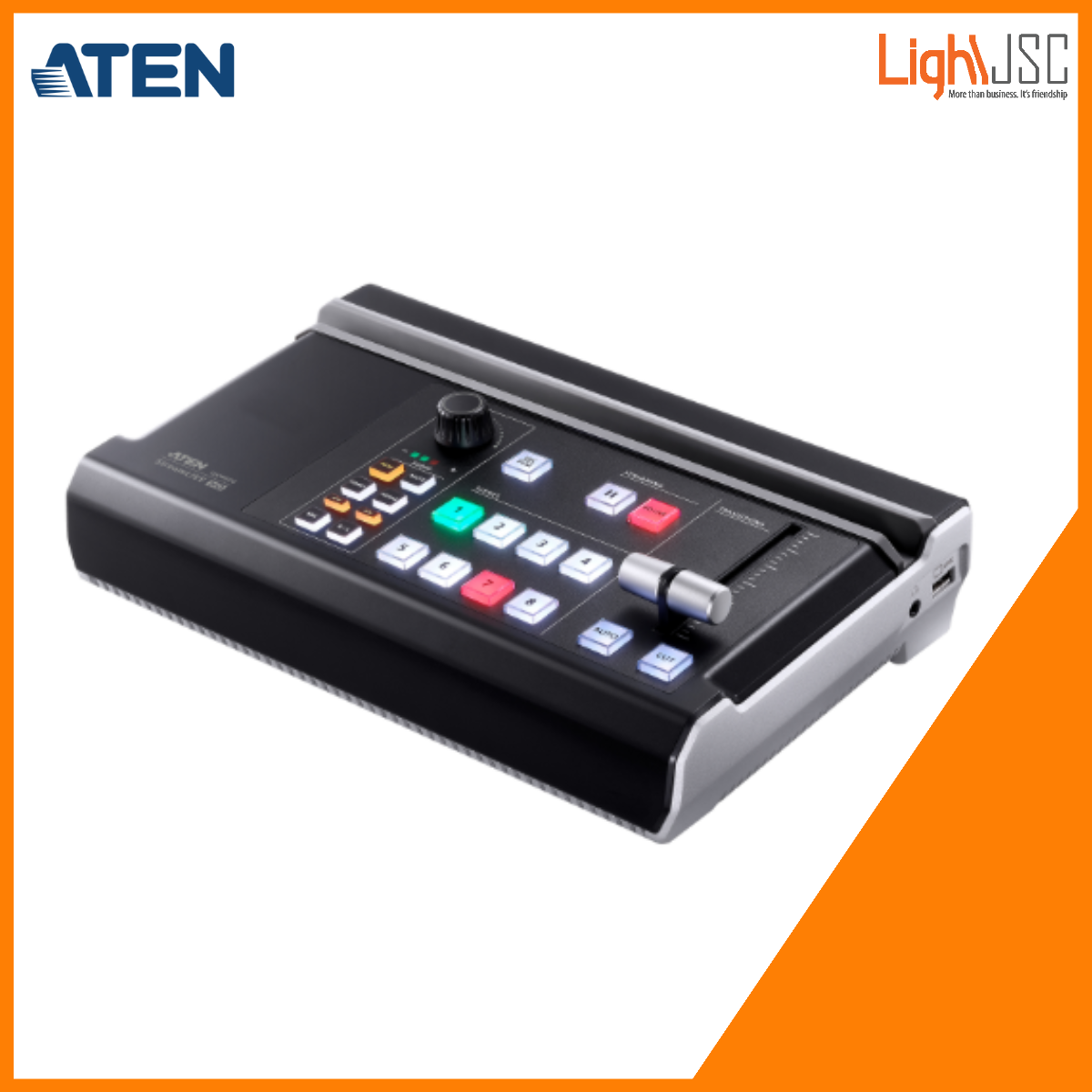



Aten UC9020 StreamLive™ HD All-in-one Multi-channel AV Mixer
- All-in-one design to simplify streaming workflow – Integrates 1080p video capture, video recorder, video switch, streaming encoder, video converter, video splitter, and audio mixer
- Professional-quality live streaming to global audiences by any CDN platform , with a low entry threshold, even entry-level users can quickly get started
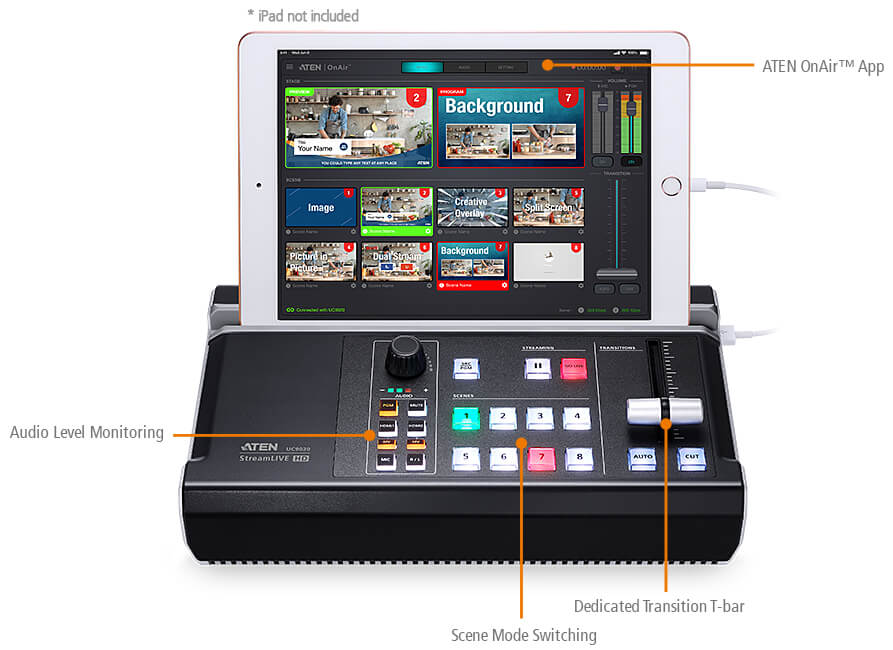
- Intuitive app – OnAir™ App for preview and program monitoring, change video layout in Full Screen/PBP/PIP settings, adding image and subtitles overlays, and smooth scenes transitions for a professional finish
- Compact mixer control panel – Switching & mix between multiple video & audio sources with the help of easily identifiable luminous keys
Aten UC9020 StreamLive™ HD All-in-one Multi-channel AV Mixer
All-in-one, Made as Simple as Possible
Create a professional, dynamic multi-camera production with the UC9020 StreamLIVE™ HD. It is the simplest, all-in-one TV-quality livestreaming studio that is small in size and big on capability. Everything you need for livestreaming is ready to just plug-n-play. No computer, monitor, or complicated software settings necessary. Capture, stream, and switch between two full HD video inputs over the Internet and instantly take your video production to the next level.

Intuitive, from Start to Finish
Every inch of StreamLIVE™ HD has been optimized for the easiest operation, including the hardware control panel and the powerful yet sophisticated control APP, that turns your iPad* into a touch interface for controlling, preview monitoring, real-time editing, and arranging multi-elements into program mixing. You can switch and mix video/audio, change settings and effects, and save up to 8 scenes for quick switching.
Go LIVE, to Every Major Platform Anywhere
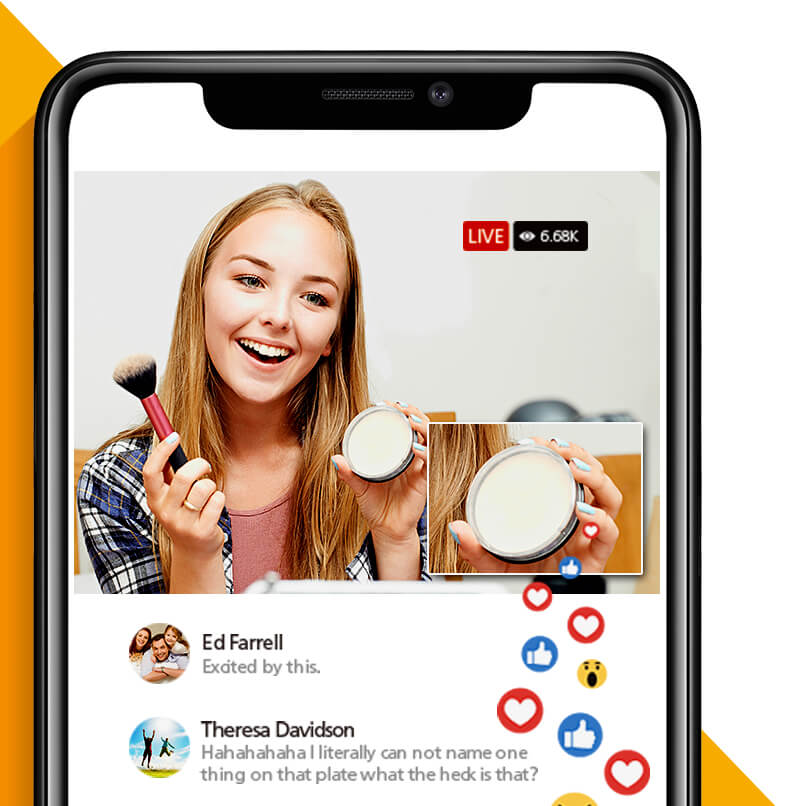
With the built-in encoder and streaming server, all you need to do is connect to your video sources and network. StreamLIVE™ HD is compatible with every major platform and can livestream to two platforms at the same time virtually anywhere, including Facebook, YouTube, Vimeo, Livestream or any custom RTMP destination, all in high-quality full HD.
Goodbye, Post-Production
Your iPad becomes your personal video editing suite. With the ATEN OnAir™ App, you can design and preset up to 8 custom scenes with the intuitive touchscreen interface and custom scene editor. Combine, crop, and scale video to make outstanding PnP layouts. Add transparent png images, backgrounds, and text overlays with professional-looking effects. The scene presets can be exported and shared with your community to other StreamLIVE™ HD systems.

1.9kg, That’s Everything You Need for Streaming
Designed to simplify your video production workflow, StreamLIVE™ HD is not only all-in-one to reduce equipment and cabling that you need to carry for streaming, but also compact in size with extreme portability. It is just so easy to setup and transport. You will be relieved from heavy equipment and complex setups. Use StreamLIVE™ HD whenever you need to stream and it will become your indispensable companion for live video production.

Stream Capture for Easy Stream Recordings
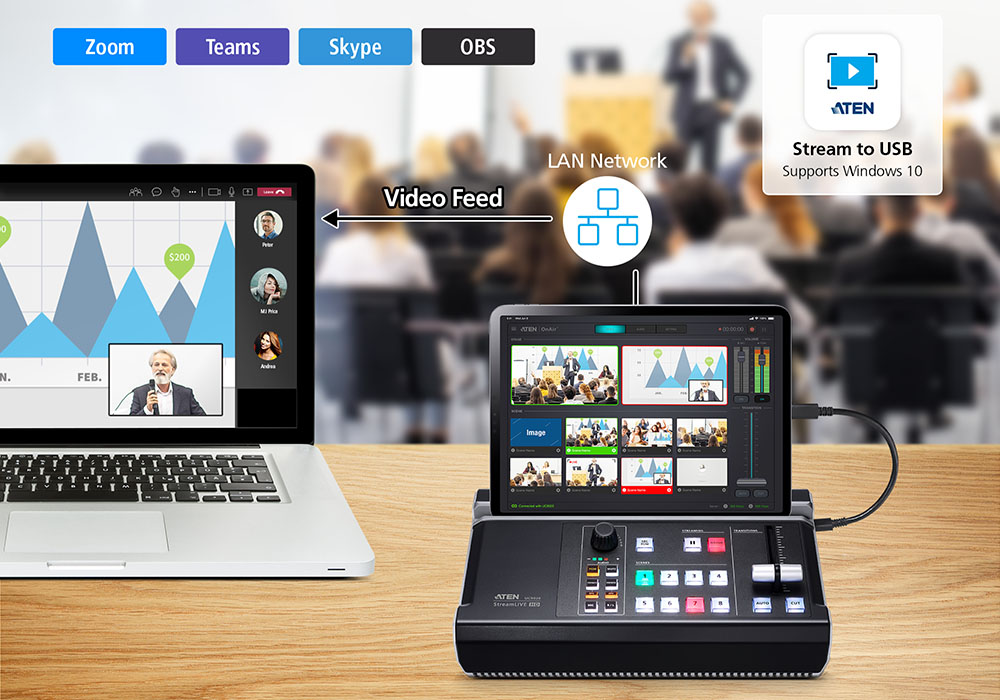
ATEN Stream to USB software lets you add StreamLIVE’s video feed to your computer via LAN network for enhancing your computer-based post-production workflow, such as online meetings, content creation, and even recordings. Simply make sure your computer is using the same network as StreamLIVE and you can go live, no need to connect to a USB capture card.
Watch the UC9020 How-To Video Series!
To help you better learn how to use the ATEN UC9020 StreamLIVE™ HD, we’ve created a series of videos with tips and hands-on footage. Topics include:
1. What is UC9020 StreamLive HD?
2. A brief look at the ATEN UC9020’s hardware and software
3. How to use ATEN UC9020 StreamLIVE™ HD with a two-camera setup
4. How to edit scene presets with the UC9020 StreamLIVE HD
5. How to get the stream key for Facebook and YouTube on the ATEN UC9020 StreamLIVE HD
6. Learn how to adjust the settings in the ATEN UC9020 OnAir app
7. Which camera to use with the ATEN UC9020 StreamLIVE HD?
Package Contents
- 1x StreamLIVE™ HD
- 1x USB-A to USB-C Cable (parts no.: LIN6-09B1-C11G)
- 1x USB-A to USB-A Cable (parts no.: LIN5-04U1-U1HG)
- 1x AC Power Cable
- 1x User Instructions